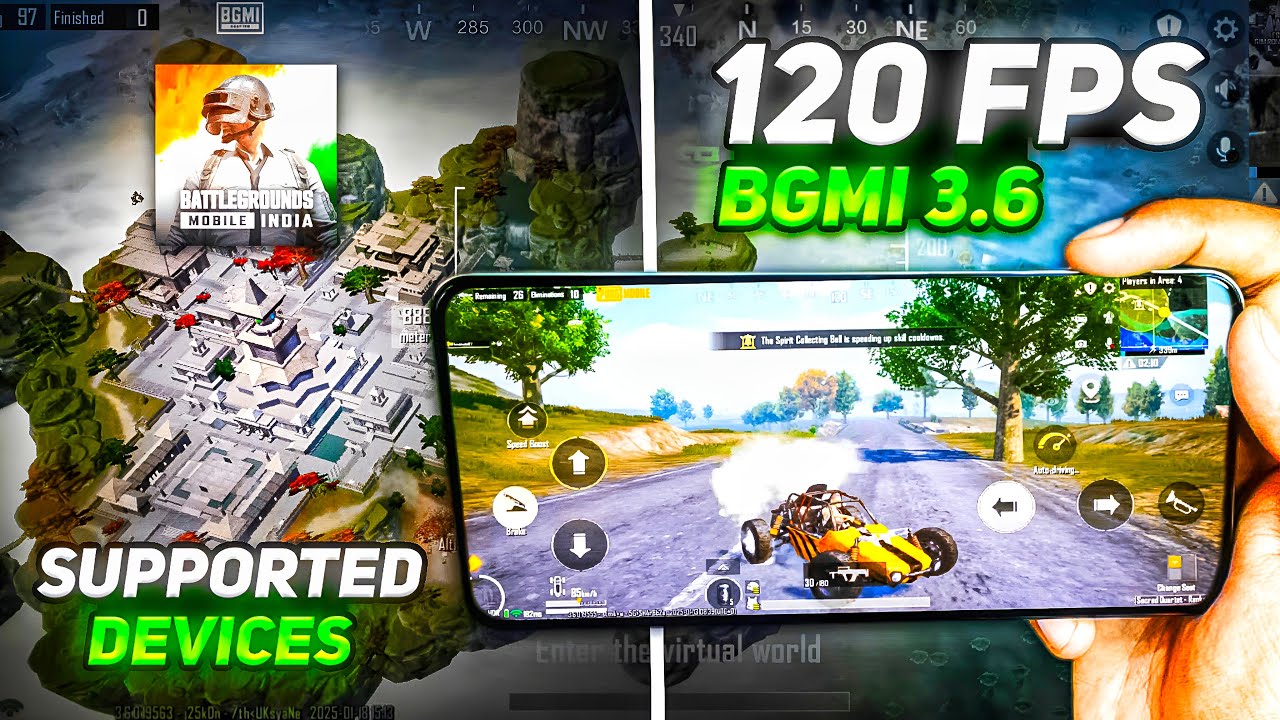
BGMI 4.2 120 FPS Supported Devices – Full Official List (2026)
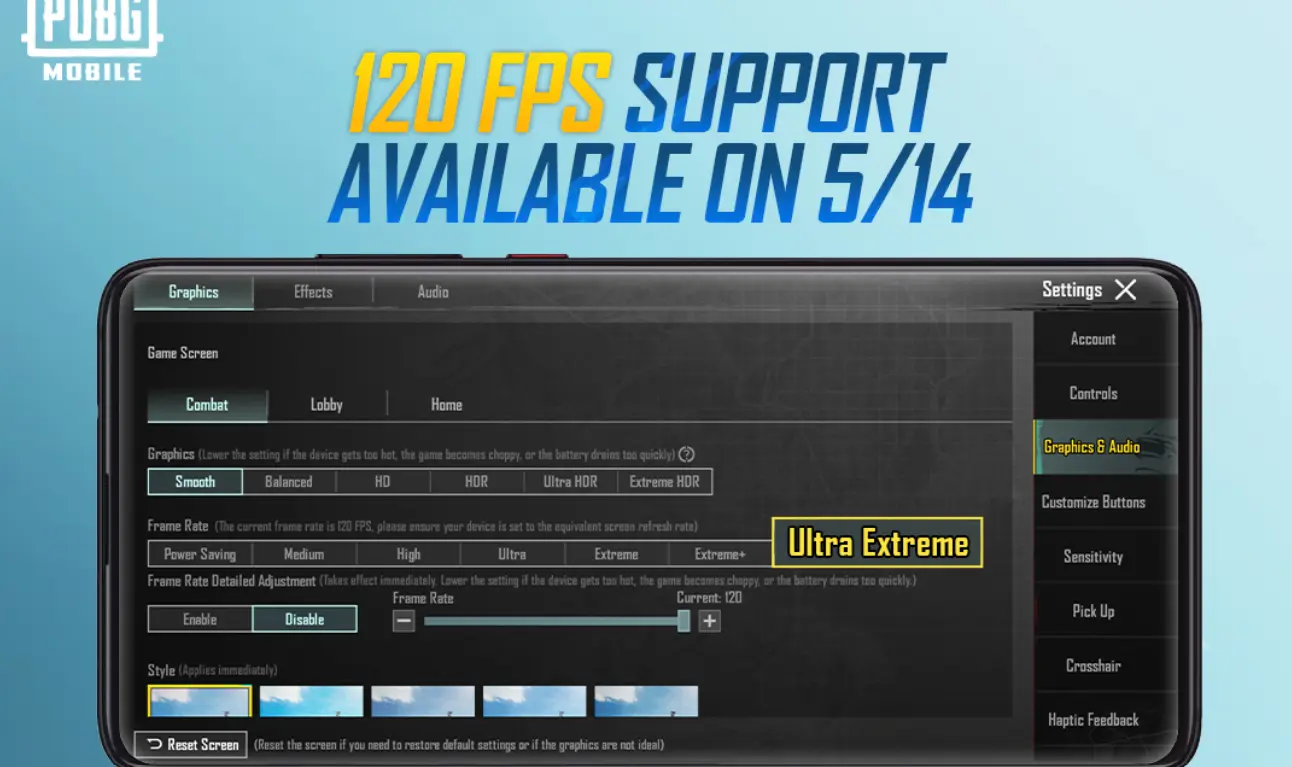
With the release of BGMI 4.2, Krafton officially introduced 120 FPS (Ultra Extreme) support for selected Android devices. This update delivers smoother gameplay, faster response time, and a competitive edge for supported phones.
In this guide, you’ll find the complete and updated list of BGMI 4.2 devices that support 120 FPS, along with important notes for unsupported devices and how tools like GFXTOOY can help.
What is 120 FPS in BGMI 4.2?
120 FPS (Frames Per Second) allows BGMI to render up to 120 frames every second, resulting in:
Free · One App · Everything Unlocked
Unlock What PUBG Mobile Hides From You
120 FPS on unsupported devices, iPad View, no-recoil sensitivity codes — GFXTOOY gives you every hidden setting in one tap, no root needed.
- 120 FPS on non-supported devices
- iPad View — wider FOV, bigger screen
- No-recoil sensitivity codes built-in
- HD & Ultra graphics · 100% no ban
- Ultra-smooth camera movement
- Faster touch and gyro response
- Reduced input lag
- Better recoil control in close combat
To experience true 120 FPS, your device must support both high refresh rate display and powerful GPU.
✅ Official BGMI 4.2 – 120 FPS Supported Devices
🔥 Snapdragon Devices
- Samsung Galaxy S23 / S23+ / S23 Ultra
- Samsung Galaxy S24 / S24 Ultra
- OnePlus 11 / OnePlus 12
- OnePlus 11R / 12R
- iQOO 11 / iQOO 12
- ASUS ROG Phone 6 / 7 / 8
- Xiaomi 13 / 13 Pro / 14
- Redmi K60 Pro / K70 Pro
- Realme GT 2 Pro / GT 5
⚡ MediaTek Dimensity Devices
- iQOO Neo 7 Pro / Neo 9 Pro
- Vivo X90 / X100 Series
- Redmi Note 13 Pro+
- OnePlus Nord 3
🎮 Gaming Phones
- ASUS ROG Series
- RedMagic 8 / 9 Pro
- Black Shark 5 Pro
🔓 Unlock 120 FPS on ANY Device (Even Unsupported)
If your device is not officially supported for 120 FPS in BGMI 4.2, don’t worry. You can enable 120 FPS on ANY Android device using GFXTOOY — no root and no ban risk.
A complete step-by-step guide is available here:
👉 Unlock 120 FPS on ANY Device
This guide explains:
- How to enable 120 FPS using Shizuku
- How to fix the missing 120 FPS option
- How to unlock high performance even on low-end devices
Best BGMI 4.2 Settings for 120 FPS
- Graphics: Smooth
- Frame Rate: Ultra Extreme (120 FPS)
- Anti-Aliasing: Close / Disable
- Shadows: Disable
- Brightness: 100%
Why BGMI 4.2 Feels Better at 120 FPS
- Faster enemy spotting
- Smoother spray control
- Lower touch delay
- Better competitive performance
Professional players prefer higher FPS because reaction time matters more than graphics quality.
❓ Frequently Asked Questions (FAQ)
Is 120 FPS safe in BGMI?
Yes. 120 FPS is an official feature in BGMI 4.2 for supported devices.
Does 120 FPS increase battery drain?
Yes. Expect higher battery usage and temperature. Use cooling and take breaks.
Can I use 120 FPS without a 120Hz display?
You may unlock it using tools, but full visual benefit requires a high refresh rate screen.
Final Verdict
BGMI 4.2 brings true next-level gameplay with 120 FPS support. If you own a supported flagship device, enable it immediately.
For unsupported phones, tools like GFXTOOY provide a safe way to improve performance and responsiveness.
Higher FPS = Better Aim, Faster Reactions, More Wins.
Comments