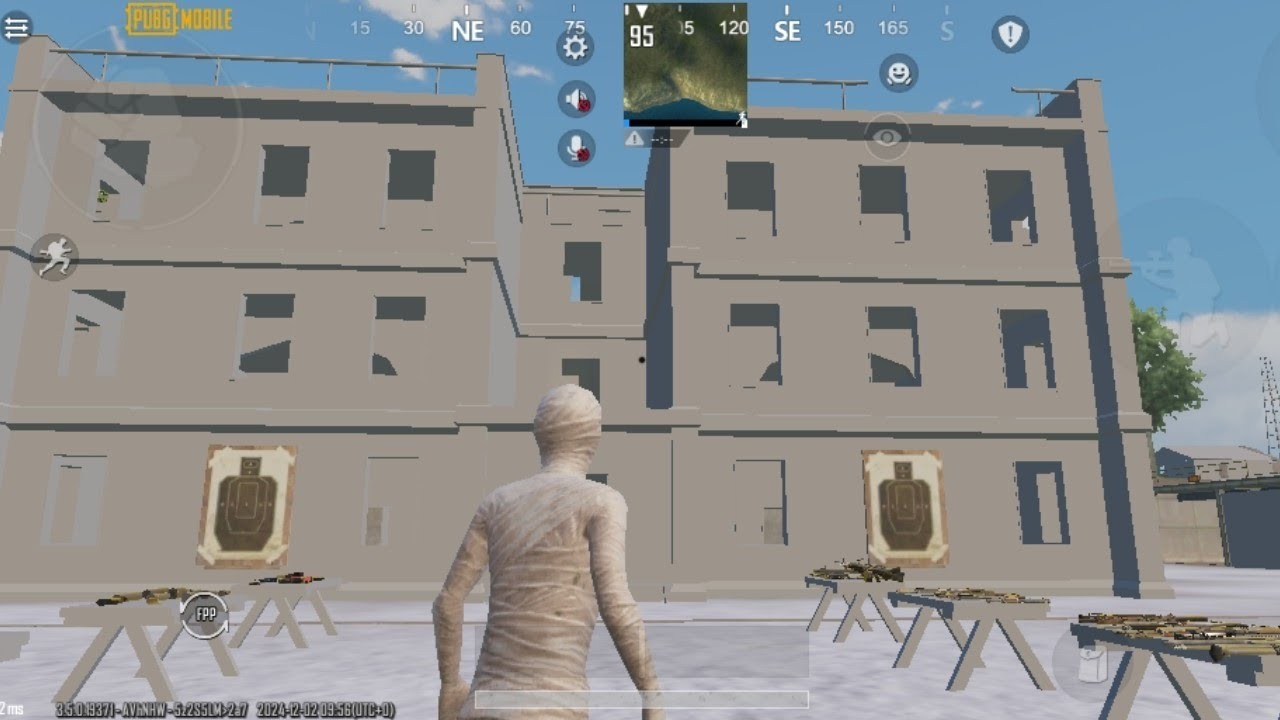
🥔 Potato Graphics Config for PUBG Mobile & BGMI 2026 (Ultra Smooth & Lag Free)
If you are facing heavy lag, FPS drops, overheating, or sudden stutters in PUBG Mobile or BGMI, then enabling Potato Graphics Config is the smartest solution. This ultra-low graphics configuration is specially designed for low-end Android devices and works perfectly using GFXTOOY with Shizuku — no root required.
In this complete guide, you’ll learn what Potato Graphics is, how it works, and how to enable it step by step to get maximum FPS and smooth gameplay in 2026.
📱 What is Potato Graphics in PUBG Mobile?
Potato Graphics is an ultra-low graphics configuration that reduces unnecessary visual effects inside the game. Instead of focusing on graphics quality, it prioritizes performance, stability, and FPS.
Free · One App · Everything Unlocked
Unlock What PUBG Mobile Hides From You
120 FPS on unsupported devices, iPad View, no-recoil sensitivity codes — GFXTOOY gives you every hidden setting in one tap, no root needed.
- 120 FPS on non-supported devices
- iPad View — wider FOV, bigger screen
- No-recoil sensitivity codes built-in
- HD & Ultra graphics · 100% no ban
This configuration is ideal for:
- Low-end Android devices
- Phones with 2GB – 4GB RAM
- Old processors or weak GPUs
- Devices that overheat quickly
- Players who want stable FPS over graphics
With Potato Graphics enabled, PUBG Mobile or BGMI runs smoother, loads faster, and consumes less battery.
⚡ Benefits of Potato Graphics Config
- 🚀 Significant FPS boost
- ❄ Reduced device heating
- 🔋 Better battery life
- 🎯 More stable aim & gameplay
- 📉 Less lag and frame drops
Competitive players on low-end devices often prefer Potato Graphics because smooth gameplay matters more than fancy visuals.
📥 Required Apps
To use Potato Graphics safely, you only need two apps:
- GFXTOOY – Official graphics optimization tool
- Shizuku – Enables advanced features without root
Both apps are 100% safe and do not modify PUBG Mobile or BGMI game files.
⚙️ How to Enable Potato Graphics Config Using GFXTOOY
🟢 Step 1: Launch GFXTOOY
Open the GFXTOOY app on your Android device.
🟢 Step 2: Select Game Version
Choose your installed game:
- PUBG Mobile Global
- BGMI (India)
- PUBG KR / VN / TW
🟢 Step 3: Grant Shizuku Permission
When prompted, allow Shizuku permission. This allows GFXTOOY to apply system-level optimizations safely without root access.
🟢 Step 4: Open Extra Features
Inside GFXTOOY, scroll down and open:
- Extra Features
🟢 Step 5: Enable Potato Graphics
Turn ON the Potato Graphics option.
GFXTOOY will automatically start downloading the required configuration files.
🟢 Step 6: Wait for Download
Please wait until the process completes. Do not close the app or switch tasks.
🟢 Step 7: Configuration Applied
Once finished, GFXTOOY will apply the config automatically.
Success Message:
🎉 Activated Successfully
🟢 Step 8: Launch the Game
Now launch PUBG Mobile / BGMI directly from GFXTOOY and enjoy:
- Smoother gameplay
- Stable FPS
- Less lag & stutter
🎮 Best Settings After Enabling Potato Graphics
- Graphics: Smooth
- Frame Rate: Extreme (if available)
- Shadows: Disabled
- Anti-Aliasing: Disabled
- Brightness: Adjust manually
These settings help you get the maximum benefit from Potato Graphics.
🔒 Is Potato Graphics Safe in PUBG Mobile & BGMI?
Yes, Potato Graphics using GFXTOOY is completely safe:
- ✅ No root required
- ✅ No game file modification
- ✅ Uses system-level configuration only
- ✅ No ban risk
Thousands of players use this method daily without any issues.
🎯 Best Use Cases
- Old Android phones
- Low-end chipsets (Snapdragon 4xx, Helio A/P series)
- Devices overheating during gameplay
- Players focused on performance over graphics
🏁 Final Words
If you play PUBG Mobile or BGMI on a low-end device, enabling Potato Graphics Config using GFXTOOY is the best performance upgrade you can make in 2026.
It delivers smoother gameplay, higher FPS, reduced heating, and a stable experience — all without risking your account.
Comments