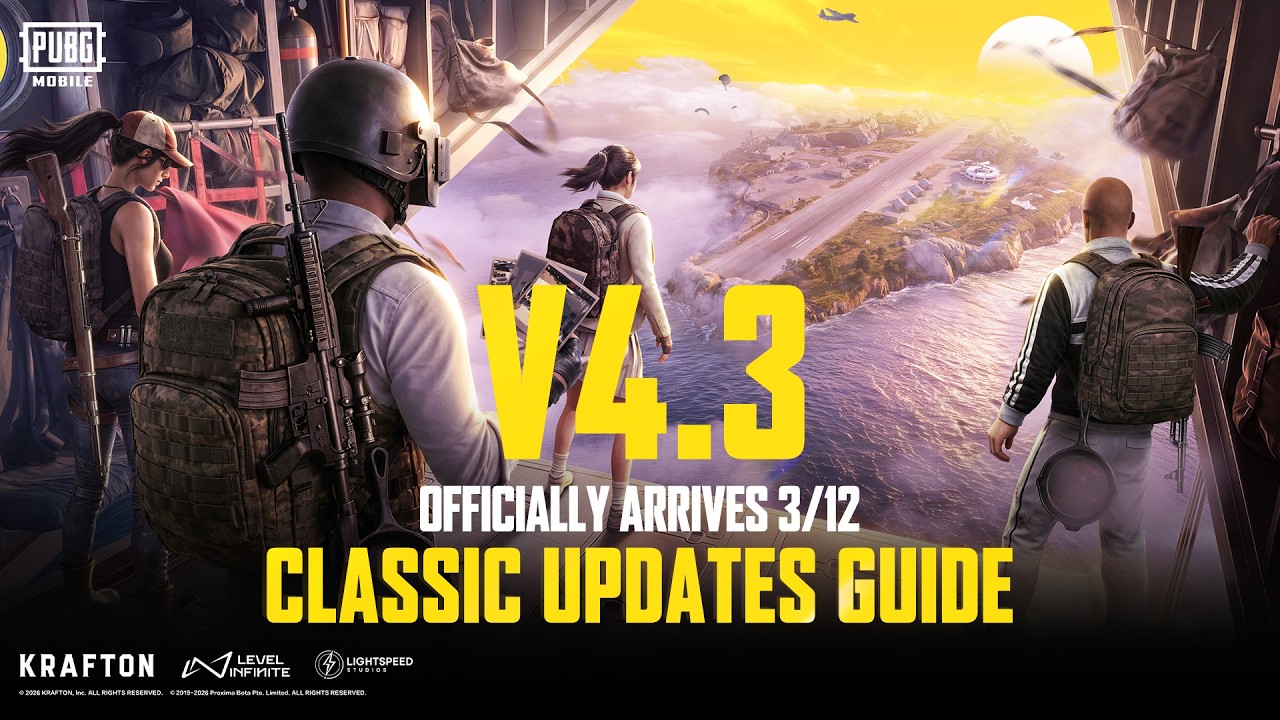
The wait is over. PUBG Mobile 4.3 is officially rolling out on March 12, 2026, and if you haven't already cleared storage on your phone, you need to do it right now.
This isn't a minor patch. It's the 8th Anniversary "Evolving Universe" update — and it's a full-blown overhaul. New specialization roles. A brand-new iconic weapon. Four Erangel locations completely reimagined. And a mounted machine gun on a vehicle. Yeah, you read that right.
In this article, you'll find everything: exactly how to download PUBG Mobile 4.3 on Android (including the APK link), how to grab it on iOS, the full file size breakdown, and a rundown of every major new feature. Let's get into it.
Free · One App · Everything Unlocked
Unlock What PUBG Mobile Hides From You
120 FPS on unsupported devices, iPad View, no-recoil sensitivity codes — GFXTOOY gives you every hidden setting in one tap, no root needed.
- 120 FPS on non-supported devices
- iPad View — wider FOV, bigger screen
- No-recoil sensitivity codes built-in
- HD & Ultra graphics · 100% no ban
What's New in the PUBG Mobile 4.3 Update?
The headlining theme is "Evolving Universe," and it's not just a buzzword — this update fundamentally reshapes how matches play out from the very first second. Here are the four biggest things you need to know.
1. The Passive Skill Specialization System
This is the biggest gameplay change PUBG Mobile has ever introduced. For the first time ever, you pick a tactical role before you even board the plane.
There are five specializations to choose from: Healing, Detection, Combat, Perception, and Vehicle. Each grants unique passive abilities that activate automatically throughout the match. You don't press a button. They just work.
- Healing — Revive teammates faster; recover HP quickly right after rescuing someone.
- Perception — Go prone and you can detect nearby enemies and vehicles through walls. Seriously powerful.
- Combat — Get a movement speed burst after knocking or eliminating an enemy. Aggressive pushers love this.
- Detection — Enhanced reconnaissance and enemy tracking across the map.
- Vehicle — Upgraded mobility and vehicle-based tactical advantages.
Skills upgrade from Rank C all the way up to Rank S during the match, with each rank unlocking stronger advantages and better rewards. The higher you rank up, the more dominant your passive becomes.
This changes everything about squad composition. Your four-man squad now needs a strategy before the match — not just during it.
2. The M1 Garand — A Legendary Weapon Finally Arrives
A new marksman rifle, the M1 Garand, joins the arsenal in version 4.3, bringing powerful mid-to-long-range performance along with its iconic "ping" sound when the clip empties.
If you're a fan of military history or old-school shooters, you already know this gun. It's not just a stat-line — it's an experience. That signature metallic ping when you burn through your clip is going to become one of the most recognizable sounds on the battlegrounds.
Expect it to be contested hard in every match until players figure out the meta. Get familiar with it fast.
3. Erangel Gets Four Brand-New Locations
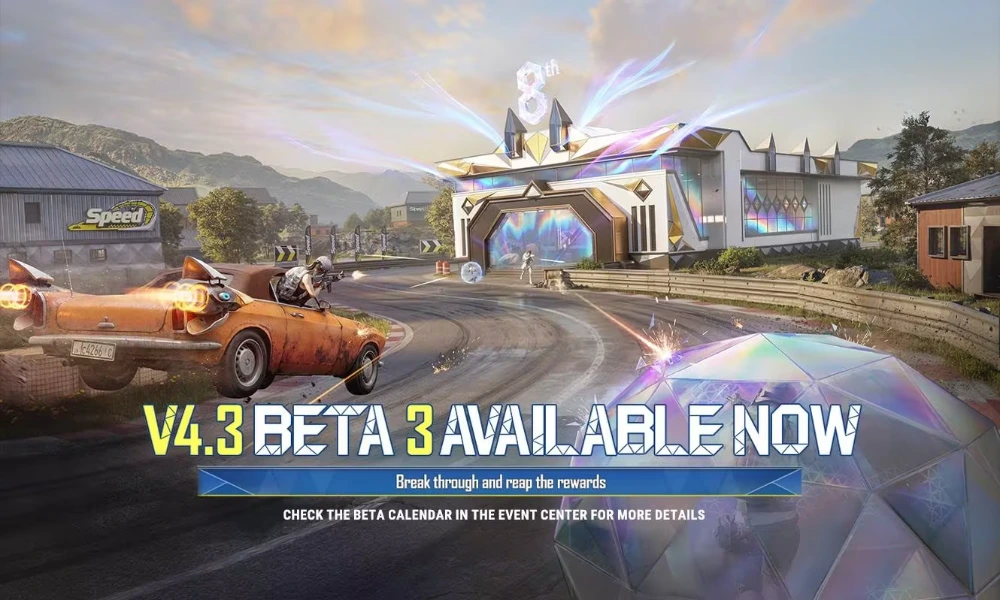
Erangel's getting a serious facelift. Four of the map's most iconic spots have been reworked with unique mechanics and loot incentives:
- Pochinki → Music District
- Hospital → Aerodynamic Sports Zone
- Mylta → Racing Zone
- Mansion → Restaurant Zone
The Pochinki rework is the one everyone's talking about. During low-decibel phases in the Music District, all audio gets amplified — meaning every footstep, crouch, or prone movement becomes detectable by nearby enemies.
Audio timing is now literally a skill. Push at the wrong phase, and you're dead. Knowing when the music shifts could absolutely be the difference between a chicken dinner and dying in the final circle.
4. Armored BRDM With a Mounted Machine Gun
Yes. A vehicle. With a machine gun on it.
The update adds the Armored BRDM with a mounted machine gun, obtained via the Armored Flare Gun, along with the Energy Shield deployable barrier, the Floating Thruster vehicle attachment, and the Tactical Drone for aerial recon.
The Energy Shield is going to be massive for pushing squads in endgame circles. And the Tactical Drone? Get ready for aerial recon becoming standard squad play.
PUBG Mobile 4.3 Update Download Size
Before you even think about hitting that download button, you need to know how much space this update eats up. Don't get caught mid-download with a "storage full" error.
Android Download Size
| Component | Estimated Size |
|---|---|
| Base APK File | ~1.18 GB |
| In-App Resource Pack | ~2 GB |
| Total Install Size | ~4–6 GB |
You'll need at least 4 GB of free storage on your device before starting. The full installation, including the resource pack download, can expand to 5–6 GB total.
⚡ Pro tip: Clear your cache and delete any apps you're not using before you start downloading. Nothing's more annoying than a failed update halfway through.
iOS Download Size
iOS users are looking at roughly 1.2–1.5 GB for the initial App Store update, though the in-app resource download will bring the total closer to the same 4–5 GB range.
Make sure you're on Wi-Fi. Do not try to download this on mobile data. You'll thank yourself later.
Minimum Device Requirements
| Requirement | Minimum Spec |
|---|---|
| Android Version | Android 5.0+ |
| RAM | 3 GB (minimum) |
| Recommended Processor | Snapdragon 730+ |
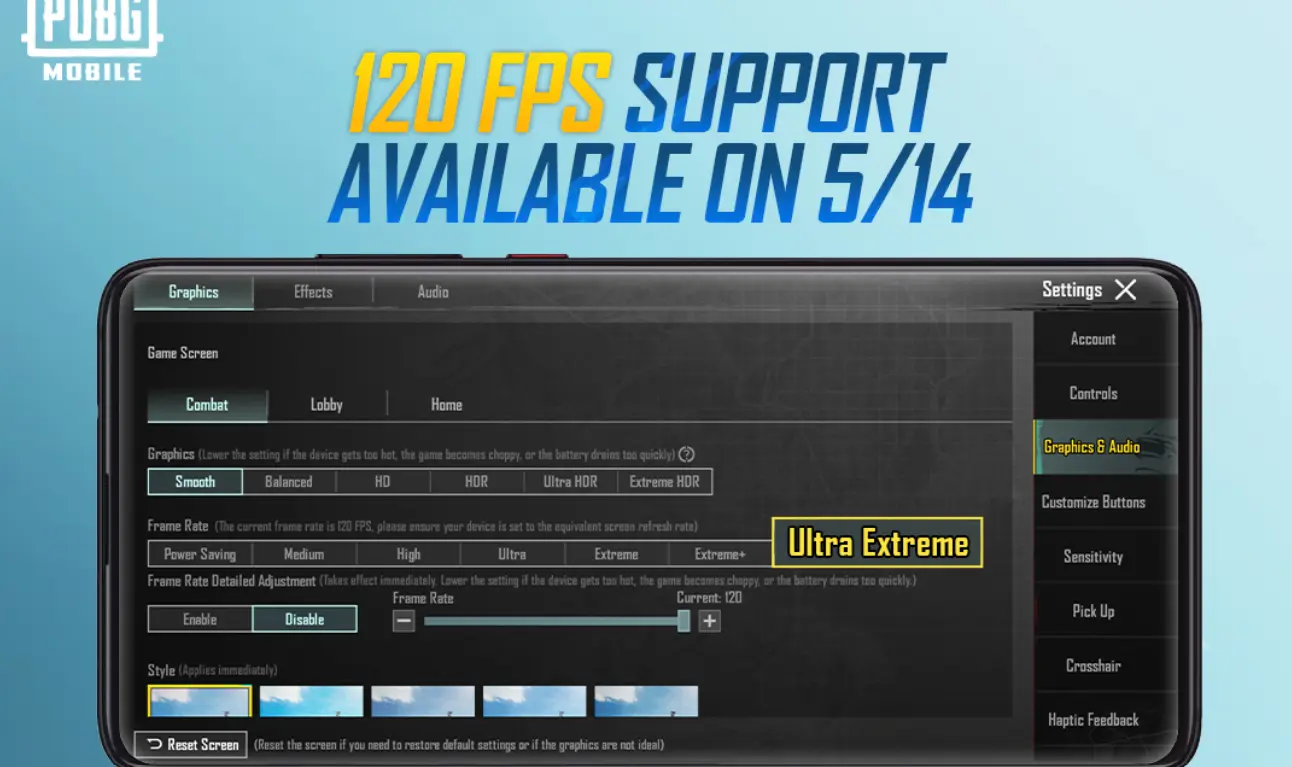
| 90 FPS Support | Snapdragon 865+ with 8 GB+ RAM |
How to Download PUBG Mobile 4.3 on Android (APK & Play Store)
There are two ways to get this update on Android — the easy way through Google Play Store, or the APK route if the update hasn't shown up for you yet. Here's both.
Method 1: Google Play Store (Recommended)
Android users can expect the update to start rolling out from around 7:30 AM local time on March 12, 2026.
Download PUBG Mobile 4.3 from Google Play Store
- Open the Google Play Store on your Android device.
- Tap your profile icon in the top-right corner.
- Select "Manage apps & device."
- Tap "Updates available."
- Find PUBG Mobile in the list and tap "Update."
- Wait for the download and install to complete.
- Launch the game — you'll be prompted to download the additional resource pack (~2 GB) inside the app.
That's it. Simple, safe, and your account data is 100% protected.
Method 2: Direct APK Download (If Update Isn't Showing Yet)
Sometimes the Play Store rollout takes a few hours to reach your region. If you're impatient (same), the official APK is your go-to.
⚠️ IMPORTANT WARNING: Only ever download the PUBG Mobile APK from official sources — the Level Infinite website, APKPure (verified version), or the official PUBG Mobile website. Never download from random third-party sites. Account bans and malware are real risks.
The official PUBG Mobile 4.3 APK is expected to be available for direct download at around 12:30 PM local time on March 12.
Download PUBG Mobile 4.3 Official APK
- On your Android device, go to Settings → Security (or Privacy).
- Enable "Install from Unknown Sources" or "Allow from this source" for your browser.
- Go to the official PUBG Mobile website or a verified APK platform.
- Download the correct APK version:
- 32-bit APK — for devices with less than 4 GB RAM
- 64-bit APK — for devices with 6 GB RAM or more
- Once downloaded, tap the APK file and hit "Install."
- Open the game and download the in-app resource pack.
- You're in. Go win that chicken dinner.
How to Download PUBG Mobile 4.3 on iOS
iOS users, you're getting the update slightly later. Expect it at around 9:30 AM local time on March 12, 2026.
Download PUBG Mobile 4.3 for iOS (App Store)
- Open the App Store on your iPhone or iPad.
- Tap your profile icon in the top-right corner.
- Scroll down to see pending updates.
- Find PUBG Mobile and tap "Update."
- Once the app finishes updating, open it.
- Download the in-app resource pack when prompted.
- Done — go pick a specialization role and cause problems.
There's no APK method on iOS. The App Store is the only official channel, and that's exactly how it should be for security. Don't sideload apps on iOS. It's not worth the risk.
FAQs About the PUBG Mobile 4.3 Update
Is the PUBG Mobile 4.3 APK Safe to Download?
It depends entirely on where you download it from.
The APK file itself, from official or well-established verified sources, is completely safe. The danger is always third-party websites that bundle modified or injected APK files with spyware, malware, or — worse — files designed to get your account banned.
Stick to: Level Infinite's official website, the official PUBG Mobile social media download links, or trusted platforms that verify file integrity. If a site is asking you to fill out a survey before giving you the download link, close that tab immediately. That's not how legitimate APK hosting works.
Why Isn't the PUBG Mobile 4.3 Update Showing on My Phone?
Don't panic. A few things could be happening:
- Phased rollout. The update doesn't hit everyone at once. Play Store rollouts happen in waves, sometimes over several hours. Give it time.
- Your region. Some regions get updates faster than others. VN and KR got it March 10. Global follows March 12.
- Storage issue. If your device is low on storage, the Play Store sometimes quietly refuses to queue the update. Free up space and try again.
- Store cache. Force-close the store app, clear its cache, and reopen it. Sometimes the store just needs a kick.
If it's been over 24 hours and you still don't see it, the APK route is your best bet.
Will I Lose My Progress After the 4.3 Update?
No — and this is worth being clear about. Your main account progress, UC balance, skins, tier rank, and all cosmetics are completely safe through a standard version update.
However, if you tested the 4.3 beta build, your beta progress does NOT carry over to the stable global release — match stats, UC purchases, and rankings from the test server will all reset. That's standard for every beta cycle, so don't be caught off guard.
Your main account? Untouched. Jump in the moment it goes live.
Final Thoughts
PUBG Mobile 4.3 is the real deal. The Specialization System alone is a game-changer — it adds a strategic layer that this game has been missing for years. Throw in the M1 Garand, a reworked Erangel, and a vehicle with a mounted machine gun, and you've got one of the most packed updates in the game's history.
The 8th Anniversary celebration kicks off on March 20, 2026 — so you've got a week to get your loadout sorted before the event rewards start flowing.
Make sure your storage is cleared, your internet is solid, and you know which specialization role you're rolling with your squad. Because you'll be making that call before you even hit the jump button.
So — which specialization role are you picking first? Healing? Combat? Or are you that person who's going straight for Vehicle spec and driving straight at enemy squads? Drop it in the comments below! 👇
Last Updated: March 19, 2026 | Verified against official PUBG Mobile announcement channels.
Comments