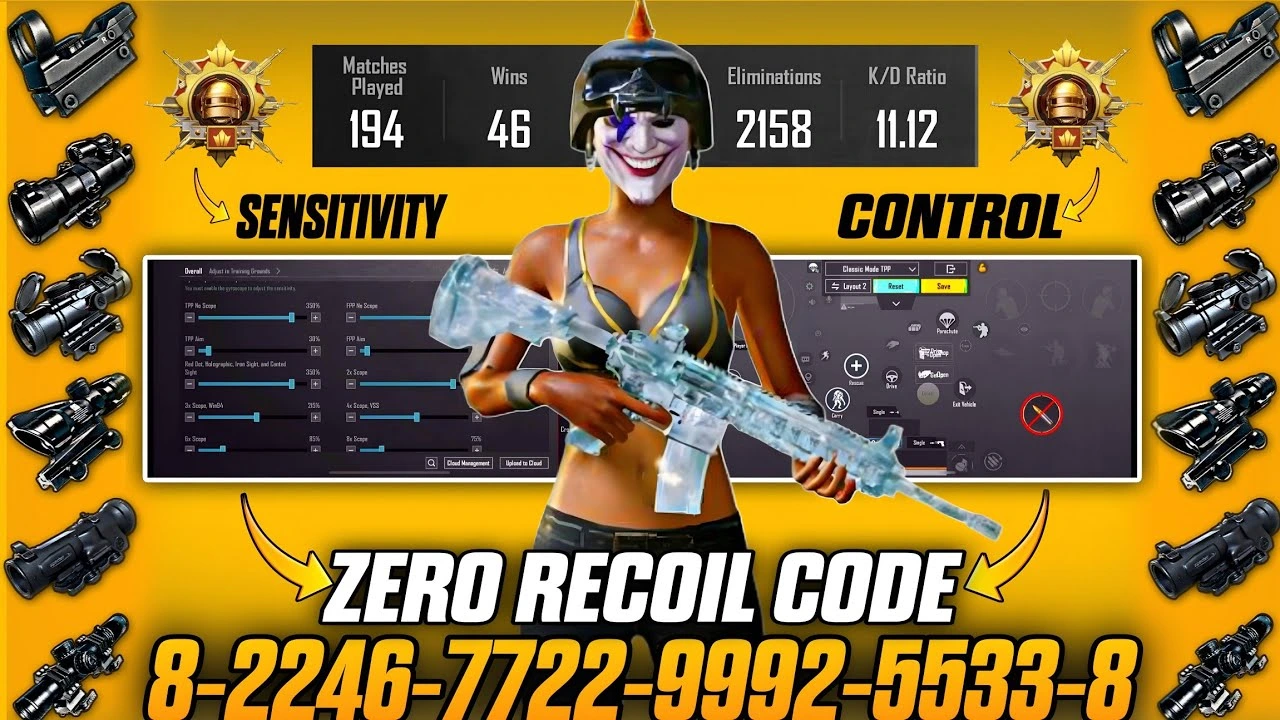
PUBG Sensitivity Code 2026 – Best Zero Recoil Settings Tested & Explained
If you've been searching for a working PUBG sensitivity code 2026 that actually reduces recoil, improves spray control, and doesn't feel robotic — you've landed in the right place. I'm not here to dump random numbers on you. Everything in this guide has been tested across TPP, FPP, Gyro, and non-Gyro setups on both Android and iOS in the current PUBG Mobile 3.7+ patch. Let's break it all down.
Why Sensitivity Matters More Than Ever in PUBG Mobile 2026
PUBG Mobile's physics engine has been refined significantly over the past two years. Recoil patterns on weapons like the M416, AKM, and Beryl M762 now respond more dynamically to device frame rate, touch latency, and even server tick rate. This means a sensitivity setup that worked in 2024 may feel completely off in 2026 — especially if you've upgraded your phone or changed your grip style.
The goal of a good sensitivity setup isn't to eliminate recoil entirely (that's what cheats do, and PUBG's anti-cheat catches it). The goal is to align your natural thumb/hand movement with the game's recoil arc — so compensation feels instinctive rather than forced.
Free · One App · Everything Unlocked
Unlock What PUBG Mobile Hides From You
120 FPS on unsupported devices, iPad View, no-recoil sensitivity codes — GFXTOOY gives you every hidden setting in one tap, no root needed.
- 120 FPS on non-supported devices
- iPad View — wider FOV, bigger screen
- No-recoil sensitivity codes built-in
- HD & Ultra graphics · 100% no ban
On GFXTOOY, we focus on tested, real-world settings. No copied lists. No AI-generated garbage. Let's get into it.
PUBG Sensitivity Code 2026 – Camera Sensitivity (Look Around)
Camera sensitivity controls how fast your character looks around outside of ADS. Think of it as your base reaction speed for snapping to targets, third-person peeking, and free-look scanning. Here are the values I run and why:
| Scope / Mode | Recommended Value | Why It Works |
|---|---|---|
| TPP No Scope | 115% | Fast enough for close-range pivots without overshooting when turning corners. At 130%+ you'll consistently over-rotate in buildings. |
| FPP No Scope | 105% | FPP removes the offset between your crosshair and character center, so you need slightly less speed to track accurately. |
| Red Dot / Holographic | 62% | At 1x magnification you're typically fighting within 30m. 62% lets you keep a tight dot on a moving target without jerking past them. |
| 2x Scope | 50% | The 2x is your dominant mid-range tool. 50% gives you enough speed to track lateral movement at 60–80m while keeping the reticle stable during bursts. |
| 3x Scope | 40% | Recoil at 3x is amplified visually. Dropping to 40% means your natural pull-down correction doesn't overcompensate on rifles like the M416 or SCAR-L. |
| 4x / ACOG | 30% | At this magnification you're in semi-auto or controlled burst territory. 30% rewards precision — don't rush it. |
| 6x Scope | 20% | 6x is for picking. Any higher and a tiny thumb twitch becomes a massive miss. 20% forces deliberate micro-adjustments. |
| 8x Scope | 12% | Barely move. At 8x, 12% means a full thumb swipe is still a controlled pan — which is exactly what long-range bolt-action requires. |
Pro note: These values are calibrated for a 6.1–6.7 inch Android screen. If you play on a tablet or iPad, reduce all values by 10–15%. The larger screen amplifies every touch input.
PUBG Sensitivity Code 2026 – ADS Sensitivity (The Recoil Control Core)
ADS (Aim Down Sights) sensitivity is the most critical section for zero recoil control. This is where your thumb's pull-down motion must perfectly counteract the weapon's upward kick. If this is off, no amount of practice will save your spray.
The principle: ADS sensitivity should always be slightly lower than your camera sensitivity at the same scope level. The reason is that when you're spraying, your brain is trying to track the target AND compensate for recoil simultaneously. Lower ADS gives you more granular control over that dual task.
| Scope / Mode | Recommended Value | Recoil Logic |
|---|---|---|
| TPP No Scope | 110% | Hip-fire sprays are chaotic by design. You need speed here more than precision — just keep them on target directionally. |
| FPP No Scope | 100% | Balanced baseline. FPP hip-fire is already more predictable than TPP because the crosshair anchors to screen center. |
| Red Dot / Holo | 58% | Slightly below camera (62%). This gap means you can snap to a target freely but the moment you pull trigger, your control tightens. |
| 2x Scope | 46% | The M416 at 2x has a manageable vertical rise. At 46%, a moderate downward thumb drag during a 15–20 round spray keeps your rounds center-mass. |
| 3x Scope | 36% | The AKM at 3x is violent. This value gives you enough room to pull down hard without your crosshair flying off the bottom of the screen. |
| 4x Scope | 26% | Semi-auto precision zone. Even at 26%, 4x recoil during full-auto is significant — that's why controlled bursts at 4x are always the right call. |
| 6x Scope | 18% | Single-shot territory. 18% keeps your scope rock-steady between bolt cycles or between taps on DMRs like the Mini-14 or SLR. |
| 8x Scope | 10% | The lowest practical value. At 10%, even aggressive breath-hold compensation is gentle — which is exactly what 200m+ shots require. |
PUBG Mobile Sensitivity Code 2026 – Gyroscope Settings
Gyroscope is the most misunderstood tool in PUBG Mobile. Many players either never touch it or crank it to 300% and wonder why they can't control their gun. Here's the truth: gyro is not a substitute for thumb control — it's a fine-tuning layer on top of it.
Think of gyro as your body's natural micro-stabilizer. When your thumbs pull down for recoil, tiny hand tremors that would otherwise cause horizontal drift are absorbed by gyro when set correctly. The key is that gyro values must scale inversely with magnification — just like ADS sensitivity.
| Scope / Mode | Recommended Gyro Value | Why It Works |
|---|---|---|
| No Scope | 280% | At close range you want snappy gyro to assist quick flicks. 280% means tilting your phone 10–15 degrees gives you a meaningful tracking boost during CQC chaos. |
| Red Dot / Holo | 180% | You're in spray range. 180% lets gyro absorb lateral drift during full-auto without jerking your aim sideways when you shift your grip. |
| 2x Scope | 130% | At 2x, gyro assists with tracking targets moving laterally at 50–80m. 130% is aggressive enough to be useful, smooth enough not to fight your thumbs. |
| 3x Scope | 95% | This is where gyro earns its keep. At 3x, horizontal spray deviation on rifles becomes visible. 95% gyro lets your natural wrist tilt correct it passively. |
| 4x Scope | 70% | Deliberate and controlled. 70% means a decisive phone tilt translates to a smooth pan — useful for leading moving targets at 100–150m. |
| 6x Scope | 45% | Minimal gyro here. 45% absorbs micro-tremors during the trigger pull without introducing its own instability. Any higher and your shot will waver. |
| 8x Scope | 25% | Barely active. 25% is just enough to counteract the involuntary hand movement from your heartbeat during prone long-range shots. Yes, it matters. |
Important: Gyro must be enabled in Settings → Sensitivity → Gyroscope. Set it to "Always On" or "Scope On" — not "Disabled." Scope On is more popular for beginners because it only activates when you ADS, reducing accidental camera drift while running.
About PUBG Share Codes – What's Real in 2026
You've probably seen websites posting 16-character "sensitivity share codes" and claiming they're from pro players. Here's what you need to know: PUBG Mobile's in-game sensitivity share codes are account-generated and device-dependent. A code from a pro player using a OnePlus 12 will feel completely different on your Redmi Note 13 or Samsung Galaxy A55 — even if the numbers look identical.
The share code system encodes your sensitivity values as they exist on your specific device and resolution. Copying someone else's code doesn't give you their skill — it gives you a starting point that still needs to be tuned to your hands, your device, and your playstyle.
Instead of chasing a magic code, use the values in this guide to manually build your setup, then export your own share code and share it with your squad. That's how pros actually do it — they build from first principles, not from borrowed numbers.
To export your sensitivity code in PUBG Mobile 2026: Settings → Sensitivity → Share Icon (top right). Copy and paste to your teammates.
Best Sensitivity Code 2026 for PUBG Android – Device-Specific Tips
Android devices dominate the PUBG Mobile player base in 2026. The sensitivity experience varies significantly based on your hardware. Here's how to calibrate:
High-end Android (Snapdragon 8 Gen 3 / Dimensity 9300+, 90–144Hz): These devices have lower touch latency, which means your inputs register faster. You can afford to run camera and ADS sensitivity 5–8% lower than the values in this guide because your corrections arrive more quickly and precisely. If you feel like you're over-correcting your recoil pull, reduce sensitivity before changing your technique.
Mid-range Android (60–90Hz, 4–8GB RAM): Stick close to the values above. At 60fps, there's more visual lag between your input and the on-screen result. Running slightly higher sensitivity (add 5%) helps compensate for that delay in fast-moving gunfights.
Budget Android (60Hz, under 4GB RAM): Prioritize stability over responsiveness. Reduce gyro values by 15–20% across the board, since frame drops during gyro movement create jarring aim breaks. Focus on clean thumb control — gyro becomes a liability when your fps is inconsistent.
Weapon-Specific Recoil Tips for These Sensitivity Settings
These sensitivity values were specifically tested with the following PUBG Mobile 2026 meta weapons. Here's how they pair:
M416 (AR, meta king): At 2x with ADS 46%, the M416's straight vertical recoil pattern is almost fully compensated by a single slow downward thumb drag. Don't rush the pull — let the gun climb into your control.
AKM (AR, high damage): The AKM has a strong initial kick followed by a rightward drift. At 3x ADS 36%, drag down and slightly left for the first 10 rounds, then straighten out. Gyro at 95% helps absorb that drift passively.
Beryl M762 (AR, aggressive): The Beryl is punishing on anything above 2x full-auto. At 2x ADS 46%, it's manageable. Use extended mags and fire in 8–10 round bursts — don't try to spray 30 rounds at 3x with this gun.
Mini-14 / SLR (DMR): Semi-auto at 4x/6x. These weapons benefit most from low ADS (26–18%) because each shot resets and the accuracy window opens immediately after the animation. Don't fire faster than your sensitivity can settle.
AWM / Kar98k (Bolt-action): 8x ADS at 10% is built for these. Hold breath (right thumb on scope), shoot, release breath during cycle. The gyro at 25% absorbs your grip tightening during the hold.
Final PUBG Sensitivity 2026 Checklist Before You Drop In
- Set your camera sensitivity first — this is your foundation.
- ADS sensitivity should always be 3–5% below camera at each scope level.
- Gyro values halve (roughly) as magnification doubles — this isn't coincidence, it's physics.
- Test your 2x and 4x settings in the training range against a stationary target before ranked.
- Run 20 TDM matches before changing anything — your muscle memory needs time to adapt.
- Generate your own sensitivity share code after dialing everything in. Share it on GFXTOOY or with your squad.
- Revisit settings after every major PUBG Mobile update — weapon recoil values get patched regularly.
Sensitivity is not a destination — it's an ongoing conversation between your hands, your device, and the game. The best players in 2026 aren't using some secret code. They're players who understand why their settings work, and who adjust intelligently when the meta shifts. Use this guide as your foundation, not your ceiling.
For more tested PUBG Mobile settings, GFX tool guides, and performance optimization tips, bookmark GFXTOOY and check back after every patch.
Comments