
🟢 Introduction
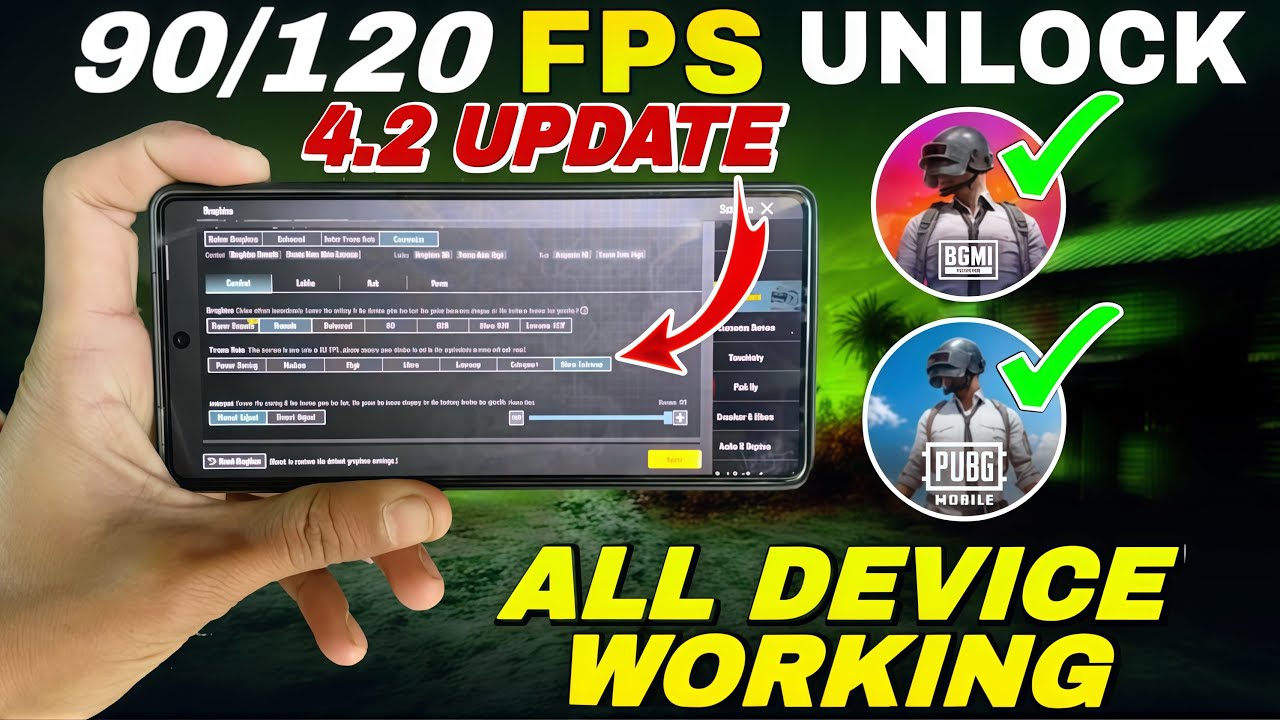
With the release of PUBG Mobile & BGMI 4.2, many players are searching for a way to unlock 120 FPS on devices that officially support only 60 or 90 FPS.
The good news?
🎉 You can now unlock 120 FPS on ANY Android device using GFXTOOY and Shizuku — no root, no ban risk.
This guide will walk you through the safe and working method step by step.
🚀 What is 120 FPS and Why It Matters?
120 FPS (Frames Per Second) means the game renders 120 frames every second.
Benefits of 120 FPS:
- ✅ Ultra-smooth gameplay
- ✅ Faster touch response
- ✅ Reduced lag & stutter
- ✅ Competitive advantage in close combat
Even on 60Hz displays, 120 FPS can reduce input lag and improve responsiveness.
🧩 Works on ALL Devices (Even Unsupported Ones)
This method works on:
- 📱 Low-end devices
- 📱 Mid-range phones
- 📱 Flagship phones
- 📱 Devices without 120Hz screens
Thanks to Shizuku, GFXTOOY can apply system-level performance tweaks without root.
🔧 Requirements
Before starting, make sure you have:
- Android 8.0 or higher
- PUBG Mobile / BGMI 4.2
- GFXTOOY (latest version)
- Shizuku app
- Developer Options enabled
⚡ Step-by-Step: Unlock 120 FPS (Shizuku Method)
🟢 Step 1: Install Shizuku
Download Shizuku from the official website:
👉 https://shizuku.rikka.app/
🟢 Step 2: Start Shizuku Service
You can start Shizuku using one of the following methods:
To make things easier, watch this step-by-step video guide that shows how to connect Shizuku with GFXTOOY:
Once Shizuku is started successfully, you should see:
✅ “Shizuku is running”
🟢 Step 3: Select Game Version
Choose your game:
- PUBG Mobile Global
- BGMI (India)
- PUBG KR / JP
🟢 Step 4: Open GFXTOOY
- Launch GFXTOOY
- Grant Shizuku permission
- Make sure GFXTOOY detects Shizuku correctly
🟢 Step 5: Enable 120 FPS
- Go to FPS Settings
- Select 120 FPS
- GFXTOOY will automatically apply the required configuration
🟢 Step 6: Wait for Success Message
Once done, you’ll see:
🎉 “Activated Successfully”
🟢 Step 7: Launch the Game
Start PUBG Mobile / BGMI and enjoy ultra-smooth 120 FPS gameplay 🚀
🔒 Is This Method Safe?
Yes. This method is:
- ✅ 100% safe
- ❌ No root required
- ❌ No game file modification
- ❌ No ban risk
Shizuku is a legitimate Android tool used by many trusted apps.
❓ Frequently Asked Questions (FAQ)
❓ Will I get banned?
No. GFXTOOY + Shizuku does not inject cheats or modify core game files.
❓ Do I need a 120Hz display?
No.
Even 60Hz displays benefit from reduced input delay and smoother frame delivery.
❓ Does 120 FPS drain battery faster?
Yes. Expect higher battery usage. Recommended:
- Lower brightness
- Use performance mode
- Keep device cool
❓ My phone overheats
- Lower graphics to Smooth
- Disable shadows
- Take breaks every 30–40 minutes
🎯 Best In-Game Settings for 120 FPS
- Graphics: Smooth / Balanced
- Anti-Aliasing: Off
- Shadows: Off
- Brightness: 90–100%
📥 Download Links
🔵 GFXTOOY App
👉 https://play.google.com/store/apps/details?id=com.middrat.gfxtooy
🔵 Shizuku Tool
👉 https://shizuku.rikka.app/
🏁 Final Words
With PUBG Mobile & BGMI 4.2, 120 FPS is no longer limited to flagship devices.
Thanks to GFXTOOY + Shizuku, any Android device can now enjoy smoother, faster, and more responsive gameplay.
🔥 Try it today and feel the difference.
Comments