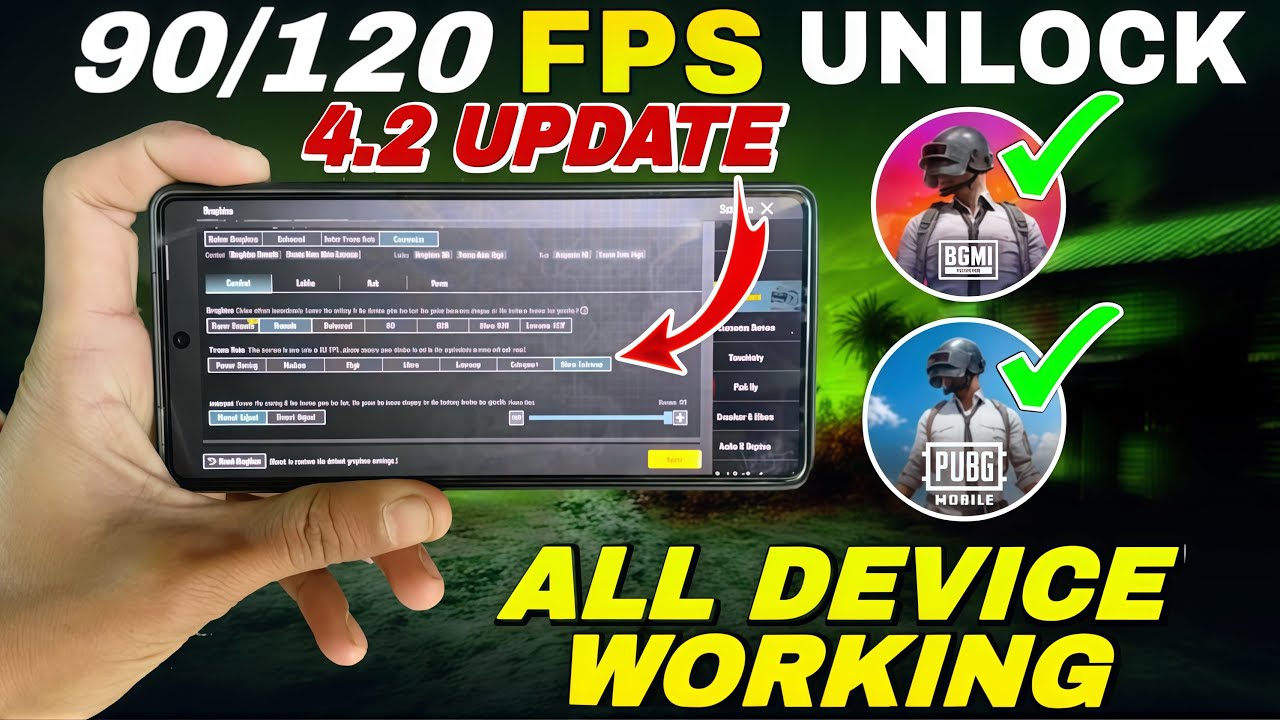
With the release of PUBG Mobile & BGMI 4.3, many players are searching for a way to unlock 120 FPS on devices that officially support only 60 or 90 FPS.
The good news?
You can now unlock 120 FPS on ANY Android device using GFXTOOY and Shizuku — no root, no ban risk.
Free · One App · Everything Unlocked
Unlock What PUBG Mobile Hides From You
120 FPS on unsupported devices, iPad View, no-recoil sensitivity codes — GFXTOOY gives you every hidden setting in one tap, no root needed.
- 120 FPS on non-supported devices
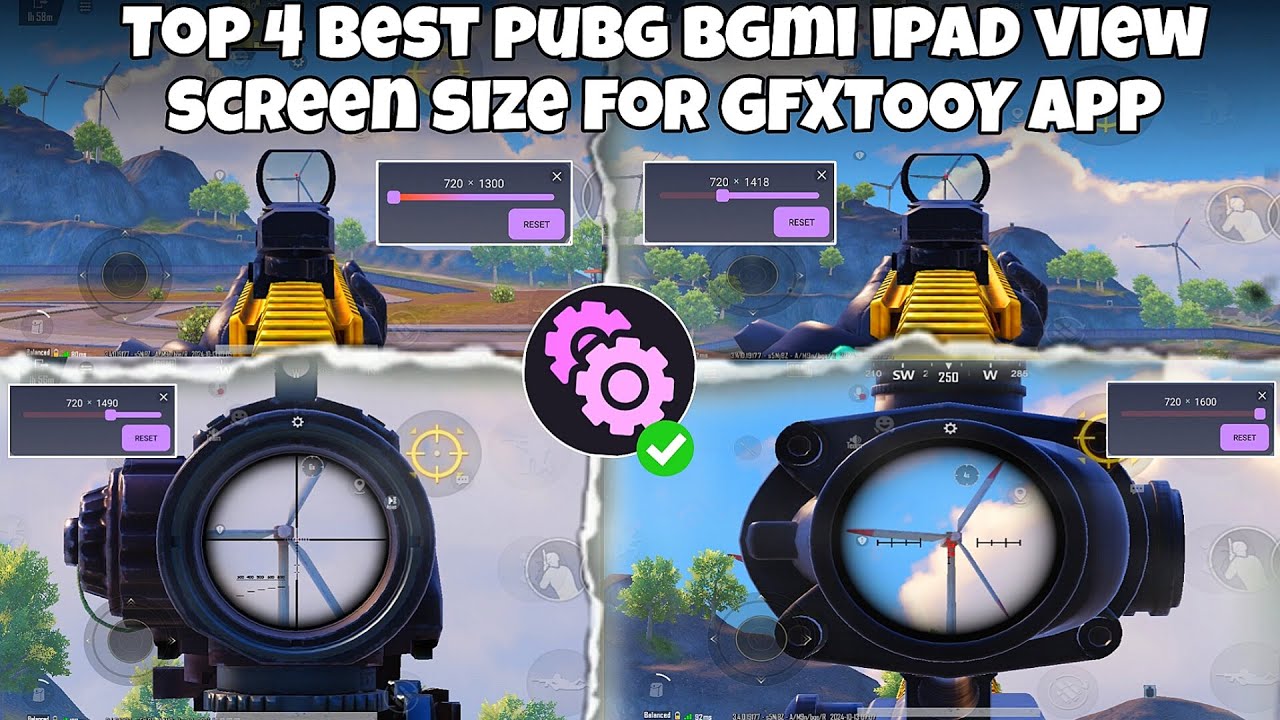
- iPad View — wider FOV, bigger screen
- No-recoil sensitivity codes built-in
- HD & Ultra graphics · 100% no ban
This guide will walk you through the safe and working method step by step.
What is 120 FPS and Why It Matters?
120 FPS (Frames Per Second) means the game renders 120 frames every second.
Benefits of 120 FPS:
- Ultra-smooth gameplay
- Faster touch response
- Reduced lag & stutter
- Competitive advantage in close combat
Even on 60Hz displays, 120 FPS can reduce input lag and improve responsiveness.
Works on ALL Devices (Even Unsupported Ones)
This method works on:
- Low-end devices
- Mid-range phones
- Flagship phones
- Devices without 120Hz screens
Thanks to Shizuku, GFXTOOY can apply system-level performance tweaks without root.
Requirements
Before starting, make sure you have:
- Android 8.0 or higher
- PUBG Mobile / BGMI 4.3
- GFXTOOY (latest version)
- Shizuku app
- Developer Options enabled
⚡ Step-by-Step: Unlock 120 FPS (Shizuku Method)
Step 1: Install Shizuku
Download Shizuku from the official website:
👉 https://shizuku.rikka.app/
Step 2: Start Shizuku Service
You can start Shizuku using one of the following methods:
To make things easier, watch this step-by-step video guide that shows how to connect Shizuku with GFXTOOY:
Once Shizuku is started successfully, you should see:
✅ “Shizuku is running”
Step 3: Select Game Version
Choose your game:
- PUBG Mobile Global
- BGMI (India)
- PUBG KR / JP
Step 4: Open GFXTOOY
- Launch GFXTOOY
- Grant Shizuku permission
- Make sure GFXTOOY detects Shizuku correctly
Step 5: Enable 120 FPS
- Go to FPS Settings
- Select 120 FPS
- GFXTOOY will automatically apply the required configuration
Step 6: Wait for Success Message
Once done, you’ll see:
🎉 “Activated Successfully”
Step 7: Launch the Game
Start PUBG Mobile / BGMI and enjoy ultra-smooth 120 FPS gameplay 🚀
Is This Method Safe?
Yes. This method is:
- 100% safe
- No root required
- No game file modification
- No ban risk
Shizuku is a legitimate Android tool used by many trusted apps.
Frequently Asked Questions (FAQ)
Will I get banned?
No. GFXTOOY + Shizuku does not inject cheats or modify core game files.
Do I need a 120Hz display?
No.
Even 60Hz displays benefit from reduced input delay and smoother frame delivery.
Does 120 FPS drain battery faster?
Yes. Expect higher battery usage. Recommended:
- Lower brightness
- Use performance mode
- Keep device cool
My phone overheats
- Lower graphics to Smooth
- Disable shadows
- Take breaks every 30–40 minutes
Best In-Game Settings for 120 FPS
- Graphics: Smooth / Balanced
- Anti-Aliasing: Off
- Shadows: Off
- Brightness: 90–100%
Download Links
GFXTOOY App
👉 https://play.google.com/store/apps/details?id=com.middrat.gfxtooy
Shizuku Tool
👉 https://shizuku.rikka.app/
Final Words
With PUBG Mobile & BGMI 4.3, 120 FPS is no longer limited to flagship devices.
Thanks to GFXTOOY + Shizuku, any Android device can now enjoy smoother, faster, and more responsive gameplay.
Try it today and feel the difference.
Comments