
Per-app control
Allow, block or ask when an app connects. Treat Wi-Fi and mobile data separately from one searchable app list.
Take control of app internet access without rooting your phone. Aegis is a modern no root firewall with separate Wi-Fi and mobile controls, live connection activity, custom filters and useful game network insights.

Aegis replaces one all-or-nothing internet switch with clear choices for each app and each network. Start with sensible defaults, then add detailed rules only when you need them.
Allow, block or ask when an app connects. Treat Wi-Fi and mobile data separately from one searchable app list.
See allowed and blocked connection attempts while the firewall is active, with quick filters that make the log easier to inspect.
Combine app decisions with global pre-filters and post-filters for domains, ports and connections that need consistent treatment.
No rooting, bootloader changes or system modification. Aegis works through Android's supported local VPN interface.
Track server region, latency and traffic for supported PUBG Mobile editions—including FLASH—and BGMI while keeping firewall controls close by.
A calm, readable interface makes everyday protection easy while Advanced mode keeps deeper controls available.
These screenshots were captured from Aegis on a Pixel 8 and show the actual interface you will use.
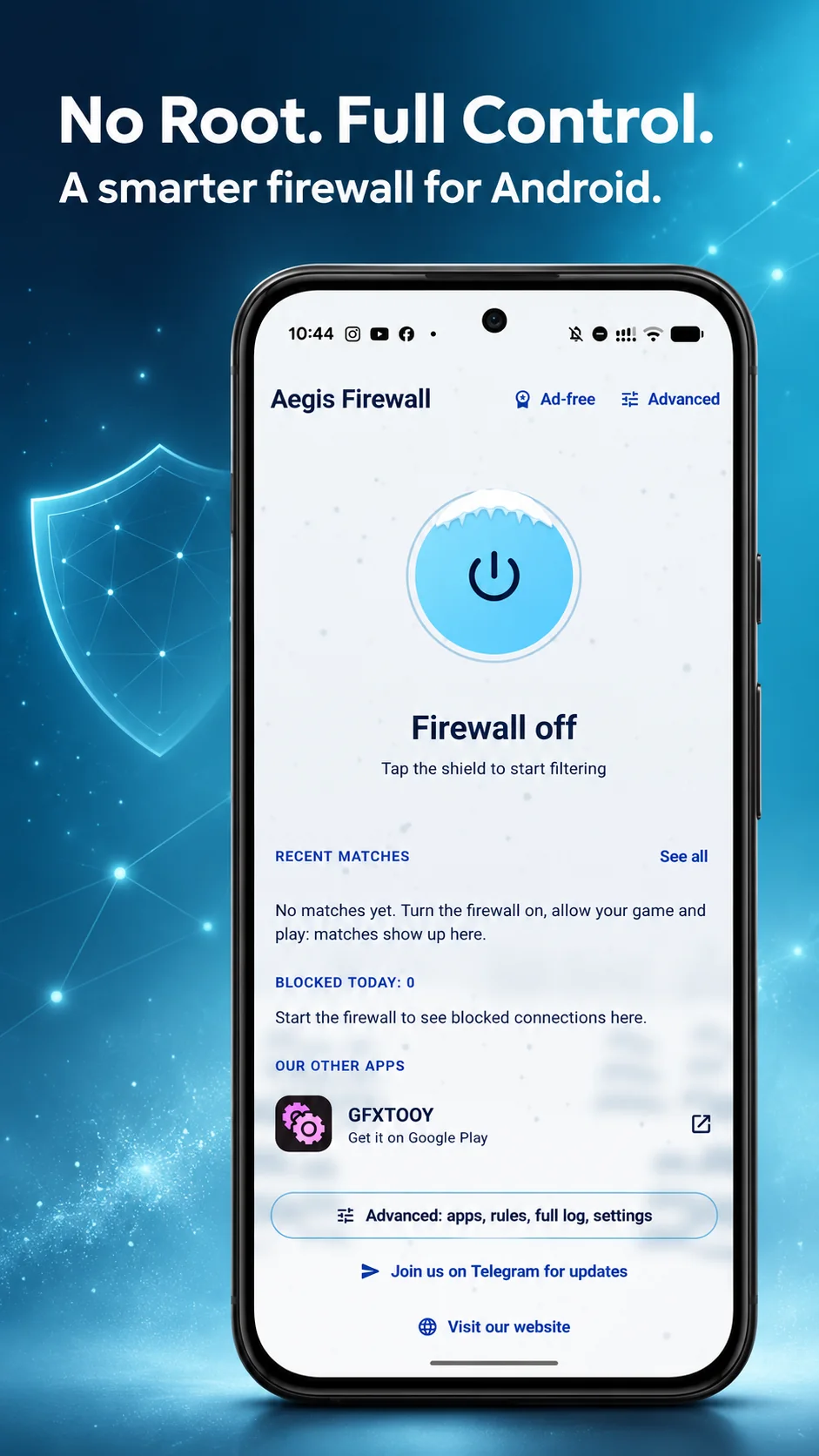
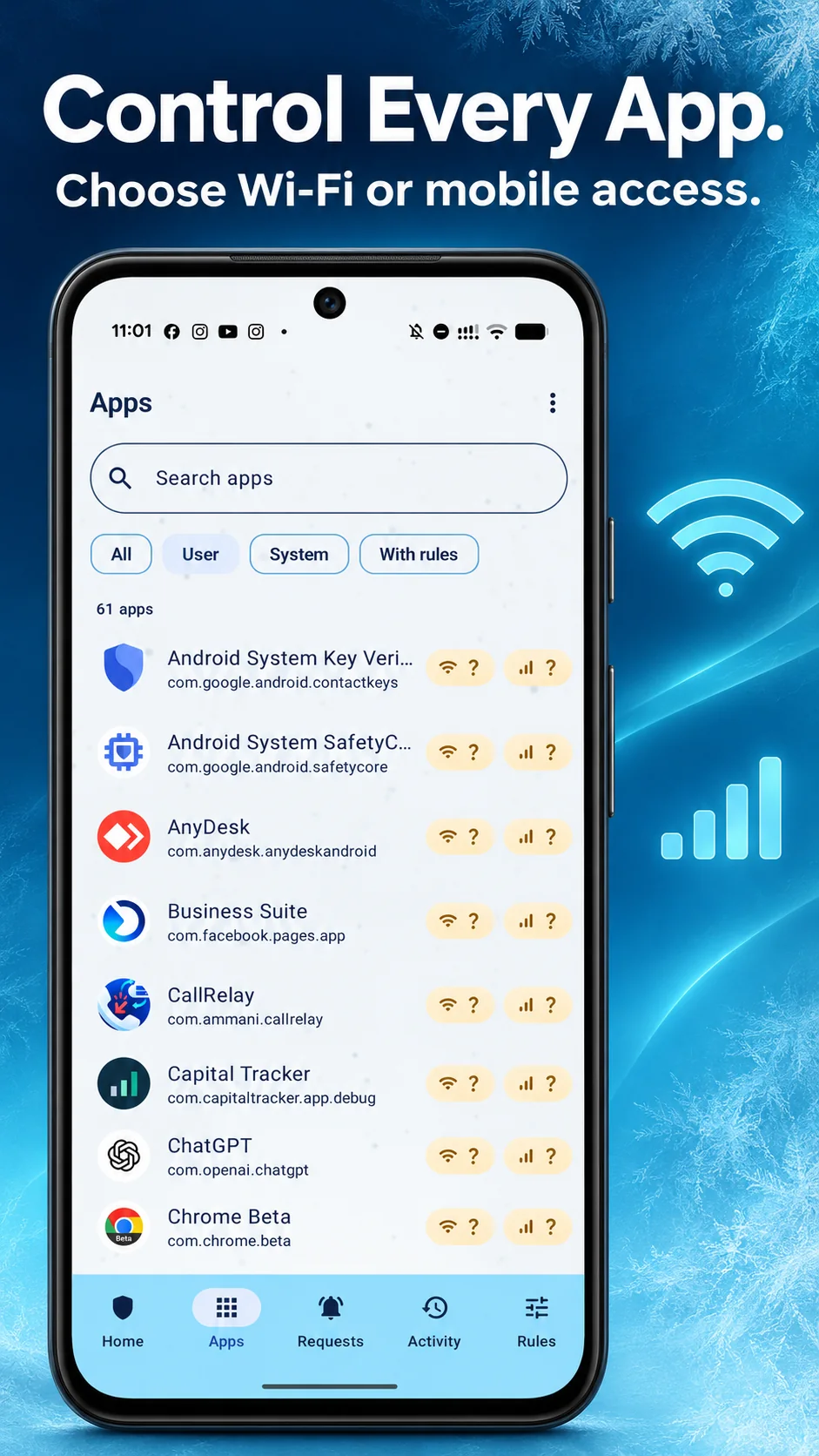
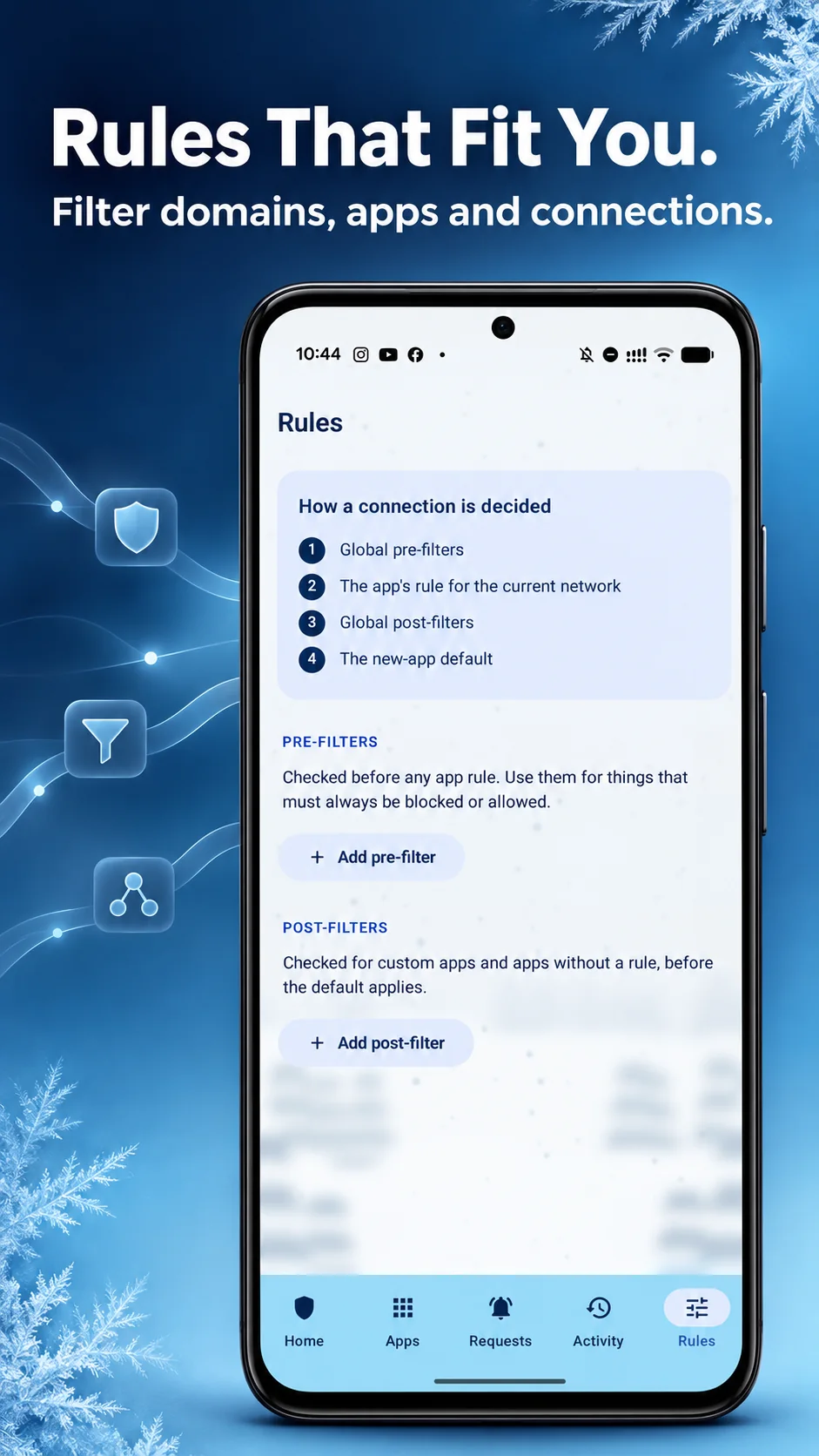
Android normally does not let a regular app manage every other app's network traffic. Aegis solves that problem with a local VPN service. Connection requests pass through the firewall interface, where your rules decide what is allowed or blocked. This gives a noroot firewall meaningful control without changing protected system files.
The VPN icon in your status bar is expected. It means Android has granted Aegis the interface it needs to filter traffic. Because Android provides one active VPN slot, another VPN cannot normally run at the same time as Aegis.
Choose what happens when a new app first connects: ask, allow or block. You can then refine individual apps and add global filters for repeated domain or port decisions. The order is shown inside the app, so advanced rules remain understandable.
Android's built-in settings can restrict background data, but that is different from making a decision for each connection. Aegis gives you a dedicated firewall view, remembers rules per app and records activity while protection is running.
Block an app you do not expect to use the internet, ask before unfamiliar apps connect, or let a trusted app work only on Wi-Fi. These controls can reduce unwanted background traffic and help you notice which apps contact the network.
Aegis includes network insights and default filtering for supported PUBG Mobile packages, including Global, FLASH, KR, Vietnam, Taiwan and BGMI. The firewall can help you inspect traffic and apply your own rules; it does not promise lower ping or replace a stable internet connection.
It is an Android firewall that works without superuser access. Aegis uses Android's local VPN interface to receive connection requests and apply your rules.
No. You do not need to root your phone, unlock the bootloader or modify Android system files.
Yes. Each app can have its own Wi-Fi and mobile-data behavior, including ask, allow or block decisions.
The icon appears because Aegis uses Android's VPN service locally to provide firewall filtering. This is the supported way to implement a firewall without root and it uses Android's single active VPN slot.
Yes, the current Aegis Firewall APK is free to download from the official Middrat website.
Aegis includes default filtering and game network insights for PUBG Mobile FLASH, Global, KR, Vietnam and Taiwan editions, plus BGMI.
Download from this official page. Aegis also checks the official release manifest so a newer signed version can be offered when available.
Download the official Aegis Firewall APK and set app-by-app rules without rooting your phone.
Download Aegis Firewall 5.0.6